
Product Page
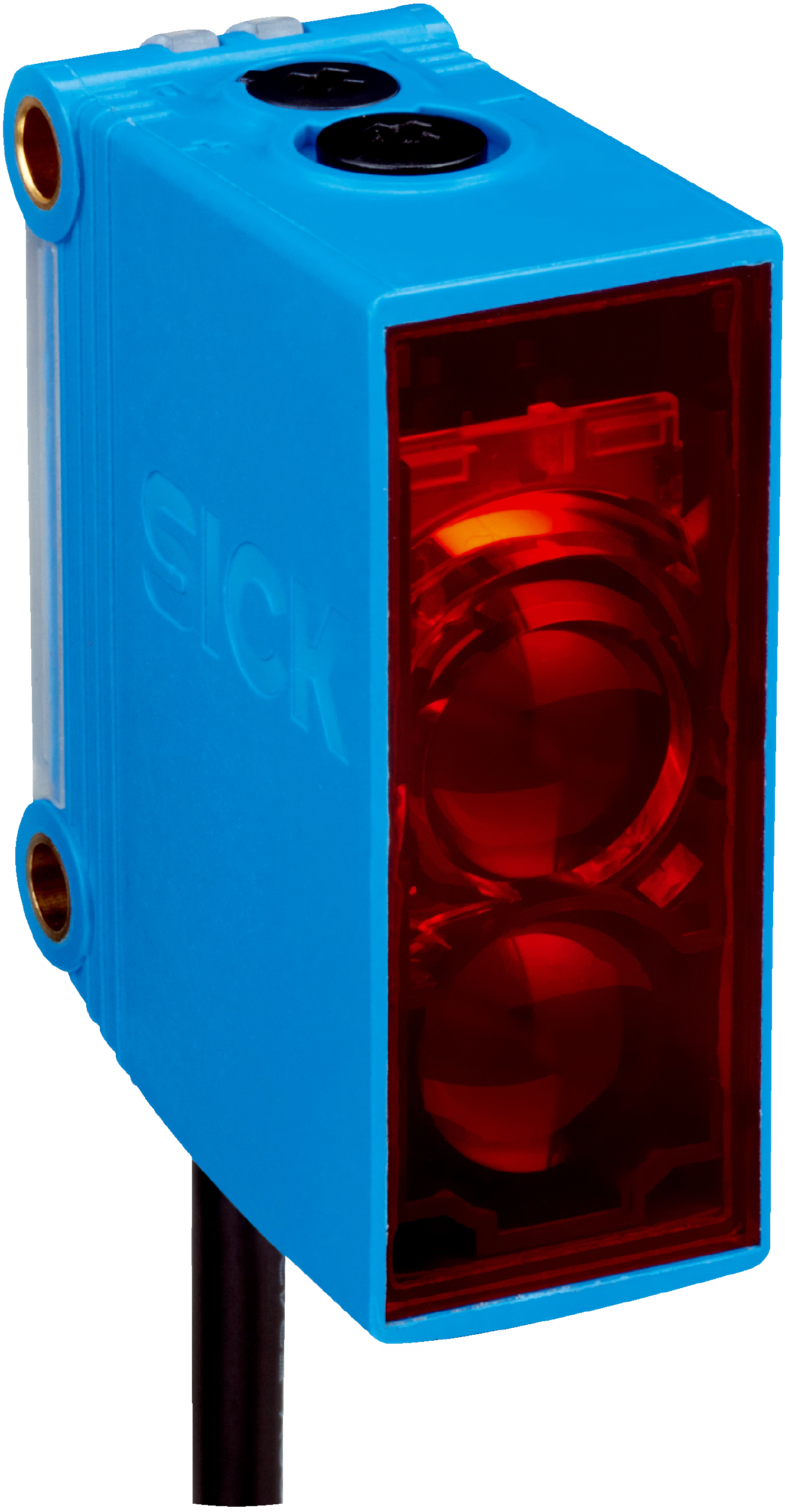
SICK GTB10-N1211 1065858 Sensor
₨0
Need some help?
Contact Us
Product Ships in
2-3-business Days
Payment Methods:
SICK GTB10-N1211 1065858 Sensor in Lahore Pakistan
🔧 SICK GTB10-N1211 Photoelectric Sensor
📦 Product Overview
The SICK GTB10-N1211 is a background suppression photoelectric sensor designed for precise detection of objects within a specified range. Featuring a visible red light PinPoint LED, this sensor ensures accurate detection even in challenging environments. Its compact rectangular housing (20 mm x 50 mm x 39 mm) makes it ideal for applications with limited space.
📐 Technical Specifications
| Parameter | Specification |
|---|---|
| Detection Principle | Photoelectric proximity sensor, background suppression |
| Sensing Range | 20 mm to 950 mm |
| Light Source | Visible red light (625 nm) |
| Light Spot Size | Ø 8 mm at 700 mm distance |
| Adjustment | Potentiometer, 5 turns |
| Supply Voltage | 10 V DC to 30 V DC |
| Current Consumption | 20 mA |
| Switching Output | NPN |
| Switching Mode | Light/dark switching |
| Response Time | ≤ 500 µs |
| Switching Frequency | 1,000 Hz |
| Protection Class | IP67 |
| Housing Material | ABS/PMMA |
| Ambient Temperature | –30°C to +60°C |
| Cable Length | 2 meters |
| Weight | 90 g |
🌟 Key Features
-
Background Suppression: Ensures precise detection by ignoring objects outside the specified range.
-
PinPoint LED: Provides a bright and precise light spot for accurate alignment.
-
Compact Design: Small housing suitable for tight spaces.
-
High Switching Frequency: Capable of handling fast-moving objects.
-
Robust Housing: IP67 rating ensures protection against dust and water ingress.
-
Wide Operating Temperature Range: Suitable for various industrial environments.
⚙️ Applications
-
Conveyor Systems: Detects objects moving on conveyor belts.
-
Packaging Machines: Monitors package presence and position.
-
Automated Assembly Lines: Ensures components are correctly placed.
-
Material Handling: Tracks materials in manufacturing processes.
-
Access Control: Detects the presence of objects for security systems.
📘 How to Use
-
Mounting: Secure the sensor using the threaded holes provided. Ensure proper alignment with the target object for optimal detection.
-
Wiring: Connect the sensor to your control system using the 3-wire cable (Brown: V+, Blue: 0V, Black: Output).
-
Adjustment: Use the 5-turn potentiometer to set the detection range according to your application requirements.
-
Testing: Power on the system and test the sensor by moving objects within the detection range. Adjust the potentiometer if necessary to fine-tune the detection.


